




iLoveAPI adds automatic form detection, turning flat PDFs into fillable ones
Member NewsSeptember 23, 2026
Member NewsSeptember 23, 2026

About Anna Rubio, iLovePDF
The views expressed in this article are those of the author(s) and do not reflect the policies or positions of the PDF Association.
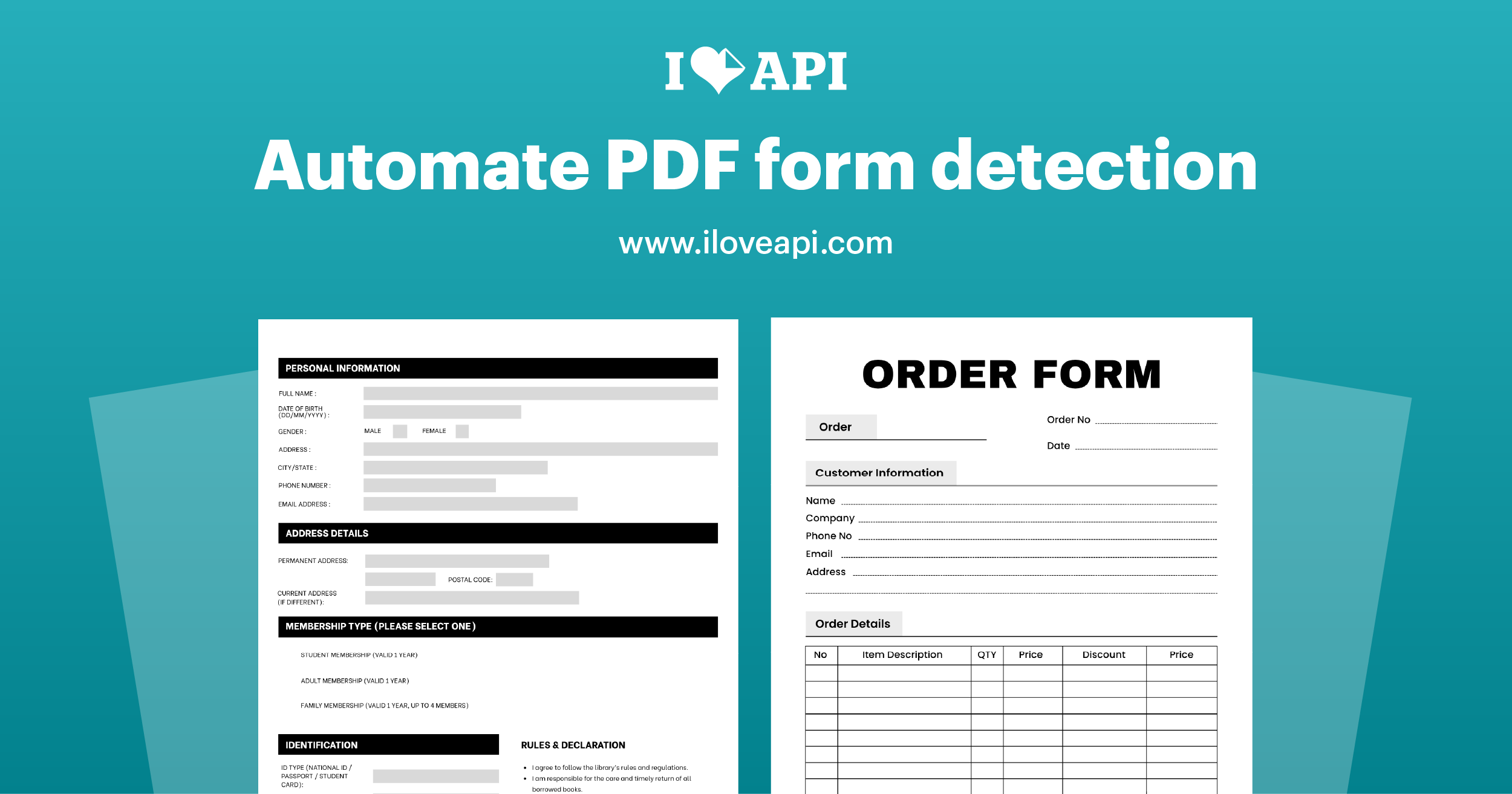
iLoveAPI, the REST API from iLovePDF, has released Detect Forms, a tool that finds the form fields in a PDF and rebuilds them as real, fillable ones.
A PDF that looks like a form on screen often isn’t one. It may have been flattened on export, printed and rescanned, or laid out as static lines and boxes from the start. Making it fillable again normally means opening an editor and placing every field by hand, or writing custom detection logic.
Detect Forms does it in a single API call. You send a PDF and get back a PDF with standard form fields added where the form was. Text fields, multi-line text areas, dropdowns, radio buttons and checkboxes are all recognised. Because the output uses standard PDF form fields, it behaves like any other fillable PDF downstream.
One thing worth being explicit about: this is not OCR. On a scanned document the page text stays an image — the form fields are simply added on top of it. If you also need selectable text, that’s a separate OCR step.
It works on documents that already contain form fields, too. Existing fields are kept, and newly detected ones are fully compatible with them.
There are no tool-specific options to configure, so it drops into an existing pipeline without much setup.
Detect Forms is generally available and already running in production behind the PDF Forms tool on ilovepdf.com. For developers, the PHP library supports it today, with Python and .NET arriving in the coming weeks and Node.js after that. Connectors for Make and Power Automate are also queued for release.
The tool is useful anywhere documents arrive as forms but not as usable ones: onboarding flows, claims processing, records digitisation, or any workflow where a form has to be filled after it has already been flattened.
Full documentation is available in the Detect Forms guide. The equivalent feature for end users, which combines detection with manual form creation, is at ilovepdf.com/pdf-forms.

iLovePDF started as a simple idea in a study in Barcelona: make working with PDFs easier. Today, it’s a global platform that helps organizations simplify, standardize, and scale how they work with documents. Millions of users around the world rely on iLovePDF to run everyday document workflows: from legal and…
Read more