




UPDF Simplifies OCR PDF Workflows for Searchable, Editable Documents

Member NewsOctober 23, 2026
Member NewsOctober 23, 2026

About Superace Software Technologies Co., Ltd.
The views expressed in this article are those of the author(s) and do not reflect the policies or positions of the PDF Association.
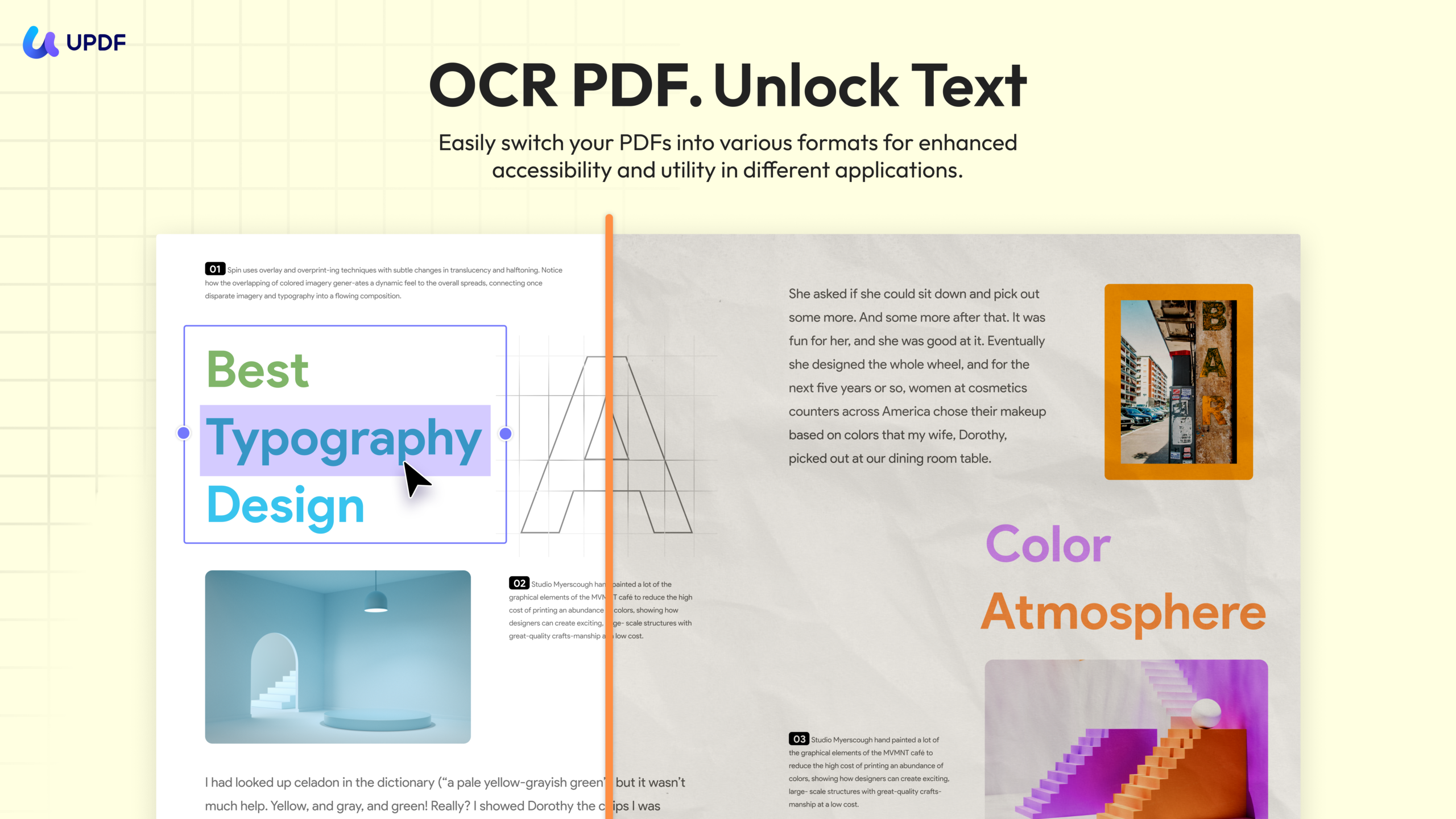
Developed by Superace, UPDF provides OCR PDF tools that transform scanned documents and image-based PDFs into content users can search, copy, edit, and reuse. The capability is designed for professionals, students, researchers, and organizations that need to recover information from paper records without rebuilding documents manually.
From Static Scans to Usable Documents
Scanned PDFs often preserve the appearance of a page while leaving the underlying text inaccessible. Users may be able to read the document on screen, but they cannot search for a phrase, select a paragraph, correct a typo, or reuse a table. UPDF applies optical character recognition to detect text in scanned PDFs and images. The recognized content can then be searched, copied, and edited inside the document. According to UPDF, recognition can reach up to 99% text accuracy on clear scans while preserving the original layout, resolution, and formatting. The dedicated UPDF page for ocr pdf workflows explains how users can unlock archived records, contracts, invoices, receipts, research material, manuals, forms, and other scanned content.
Three OCR Modes for Different Results
UPDF offers three OCR output modes so users can choose the document structure that best fits the next task:
- Editable PDF
- Searchable PDF Only
- Text and Pictures Only
An editable PDF is useful when text needs to be corrected or updated. Searchable PDF Only adds a searchable text layer while retaining the scanned appearance of the page. Text and Pictures Only separates recognized content into editable text and images for further reuse.
Convert Scans into Business-Ready Formats
After recognition, users can convert scanned PDFs and images into Word, Excel, PowerPoint, and TXT. This makes it easier to reuse paragraphs, tables, and figures in reports, presentations, spreadsheets, and other working documents without retyping each line. UPDF also supports batch processing, allowing multiple scanned files to be recognized and converted in one workflow. OCR can continue in the background while users work with other PDFs, helping reduce interruptions during document-heavy tasks.
Mobile and Multilingual OCR
OCR is available on desktop and mobile devices. On iOS and Android, users can capture text with a phone or tablet, convert the scan, and continue editing without returning to a desktop computer. The mobile experience includes the same three OCR modes available on desktop. UPDF supports recognition across 38 languages, including English, French, German, Spanish, Japanese, Korean, Chinese, and mixed-language options. This makes the feature useful for international teams, multilingual archives, and users working with documents from different regions.
A Broader PDF Workflow
OCR is integrated into UPDF's wider PDF toolkit. After recognizing text, users can edit and annotate the file, rearrange pages, convert it to another format, compress it for sharing, apply security controls, or prepare it for signing. UPDF can also perform the reverse operation when a finalized document needs to become image-only. By saving a searchable PDF as an Image PDF, users can flatten each page so its text can no longer be selected, copied, or edited.
Learn More
To explore UPDF's OCR capabilities, supported languages, output modes, and conversion workflows, visit the UPDF OCR PDF page. More information about the complete document platform is available on the official UPDF website. Follow UPDF on YouTube, Facebook, X/Twitter, Instagram, and LinkedIn for product updates and news.

Superace Software Technology Co., Ltd. is a startup developing PDF converter and editor software. Its star product is UPDF. Now it is available for Windows, Mac, iOS and Android. Superace team pursues the goal of maximizing the efficiency of the user experience by designing a compelling user interface for the…
Read more