




iLovePDF launches PDF Forms with AI field detection
Member NewsMay 29, 2026
Member NewsMay 29, 2026

About Anna Rubio, iLovePDF
The views expressed in this article are those of the author(s) and do not reflect the policies or positions of the PDF Association.
iLovePDF has released PDF Forms, a single tool for filling, building, and automatically generating fillable PDF forms — including a feature that uses AI to turn static documents into interactive ones.
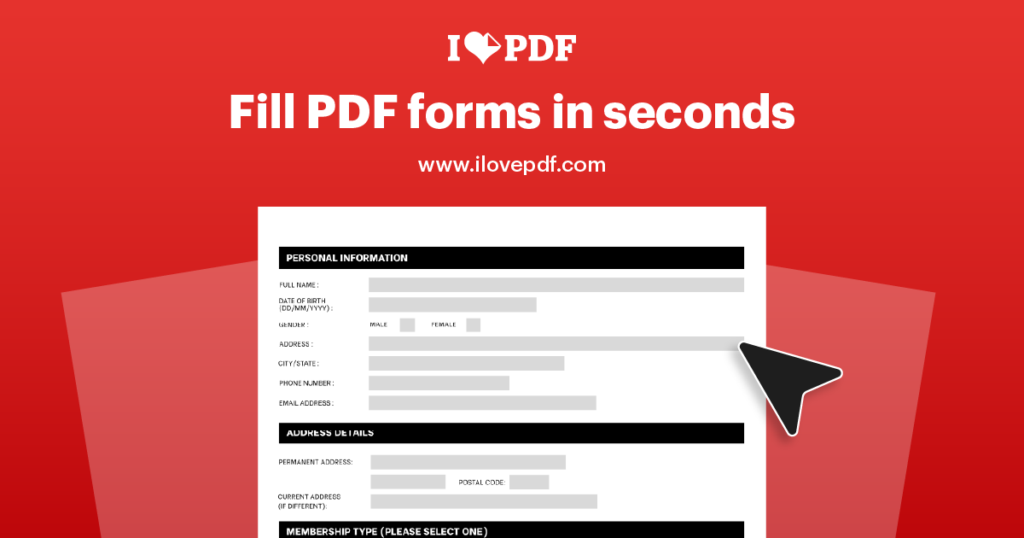
Three modes, one workspace
- Fill an existing interactive PDF and download the completed file, no printing or scanning required.
- Edit a clean PDF into a form by placing and configuring fields manually.
- Detect with AI, which scans a document, locates form areas, and converts them into real interactive fields in seconds.
Built for flattened and scanned files
The AI detection targets the documents that are hardest to work with: flattened PDFs where fields were exported as static visuals, scanned paper forms digitised as images, and legacy templates needing a second life. For scans without selectable text, running OCR first gives the AI cleaner content to work with.
Detect with AI is included in the standard Premium subscription and does not consume AI credits.
Field types and control
Users can add signature, text, free text, checkbox, radio, list box, and combo fields. Each can be tuned through a properties panel — Required, Read only, Multiline, field indicators, and multiselect — and styled to match the document with custom text, fill, and border settings, so the form reads as part of the page rather than something pasted on top.
A truly interactive output
The result is a standards-based interactive PDF whose fields work in any compliant PDF reader, fitting into wider workflows such as onboarding, client agreements, and signature collection — and into long-term archiving via PDF/A or encryption before external sharing.

iLovePDF started as a simple idea in a study in Barcelona: make working with PDFs easier. Today, it’s a global platform that helps organizations simplify, standardize, and scale how they work with documents. Millions of users around the world rely on iLovePDF to run everyday document workflows: from legal and…
Read more