




PDF/UA vs WCAG: Definitions and Key Differences
ArticleApril 30, 2026
ArticleApril 30, 2026

About Vijayshree Vethantham, Continual Engine
The views expressed in this article are those of the author(s) and do not reflect the policies or positions of the PDF Association.
When working with digital accessibility, it’s common to assume that one standard can cover everything. In reality, accessibility depends heavily on the format of your content.
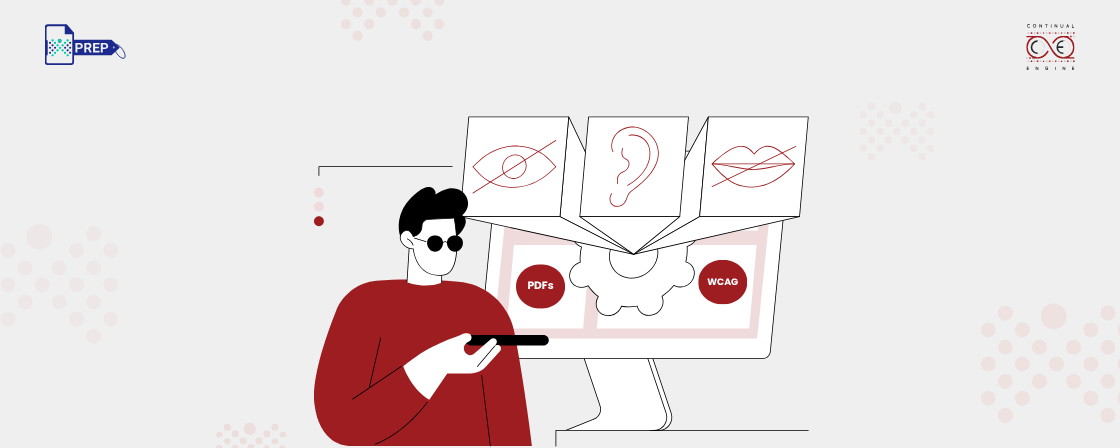
That’s why understanding the distinction between PDF/UA and WCAG is important—they address different layers of accessibility and are often used together rather than interchangeably.
What is PDF/UA?
PDF/UA (PDF Universal Accessibility) is an ISO standard (ISO 14289) created specifically for making PDF documents accessible.
It defines how a PDF should be structured internally so assistive technologies like screen readers can correctly interpret content.
This includes:
- Tagged structure (headings, lists, tables)
- Logical reading order
- Alternative text for images
- Document metadata (title, language)
In short, PDF/UA ensures that static documents remain usable and navigable for all users, regardless of how they are accessed.
What is WCAG?
WCAG (Web Content Accessibility Guidelines) is a globally accepted framework developed by the W3C for improving accessibility across digital interfaces.
It applies to:
- Websites
- Applications
- Interactive content
- Multimedia
WCAG is built around four principles:
- Perceivable
- Operable
- Understandable
- Robust
Rather than focusing on a specific format, WCAG ensures that digital experiences are accessible across devices, browsers, and assistive technologies.
PDF/UA vs WCAG: Key Differences
| Aspect | PDF/UA | WCAG |
|---|---|---|
| Definition | ISO standard for accessible PDFs | Guidelines for accessible web and digital content |
| Primary Focus | Document structure and readability | User experience and interaction |
| Content Type | PDF files only | Websites, apps, multimedia, and more |
| Governing Body | ISO (International Organization for Standardization) | W3C (World Wide Web Consortium) |
| Approach | Technical formatting within a document | Design and development best practices |
| Implementation | Tagging, reading order, metadata, embedded fonts | Semantic HTML, keyboard navigation, alt text, ARIA |
| Compliance Model | Binary (compliant or not) | Tiered (Level A, AA, AAA) |
| Target Users | Document creators, publishers | Developers, designers, content teams |
| Use Case Examples | Reports, forms, policies, brochures | Websites, portals, e-learning platforms |
| Longevity Focus | Ensures accessibility in static, shareable documents | Ensures accessibility in dynamic, interactive environments |
Why This Difference Matters
The distinction between PDF/UA and WCAG isn’t just technical—it directly impacts accessibility outcomes.
- A WCAG-compliant website can still host inaccessible PDFs if those documents lack proper structure.
- A PDF/UA-compliant file ensures accessibility within the document, but doesn’t address the accessibility of the platform hosting it.
This is why relying on just one standard creates gaps.
To ensure complete accessibility:
- Use WCAG for your digital platforms
- Use PDF/UA for your documents
The Bottom Line
PDF/UA and WCAG solve different problems within the same goal—accessible content.
- WCAG makes digital experiences inclusive
- PDF/UA makes documents interpretable
Together, they form a more complete accessibility strategy, especially for organizations that publish both web content and downloadable resources.
