


PDF Association logo

Discover pdfa.org

Key resources

Get involved

How do you find the right PDF technology vendor?
Use the Solution Agent to ask the entire PDF communuity!
The PDF Association celebrates its members’ public statements
of support
for ISO-standardized PDF technology.

Member Area

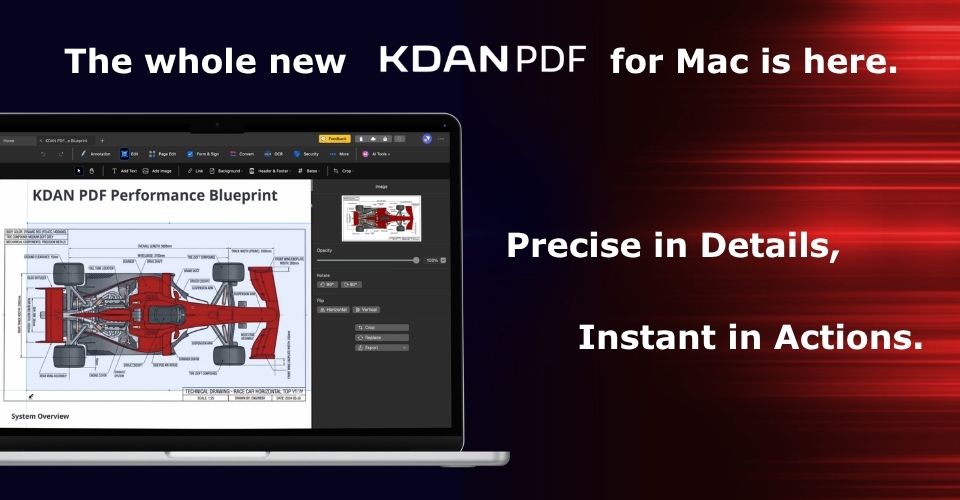
The whole new KDANPDF for Mac is here

KDAN PDF launches its re-engineered Mac version featuring a new performance-driven engine that delivers 2X faster speeds and seamless continuity for professional workflows. Leveraging 15 years of expertise and a 100-million user base, this update sets a new standard for high-intensity document management.
Image of KDAN PDF Reader Icon and a quote reading: "Not just a Reader, we're Racer"

KDAN PDF, formerly PDF Reader, has evolved into a performance-driven tool for precise, efficient document workflows.

picture of 2 men - one surrounded by stacks of paper looking stressed and the other looking relaxed in an organized office

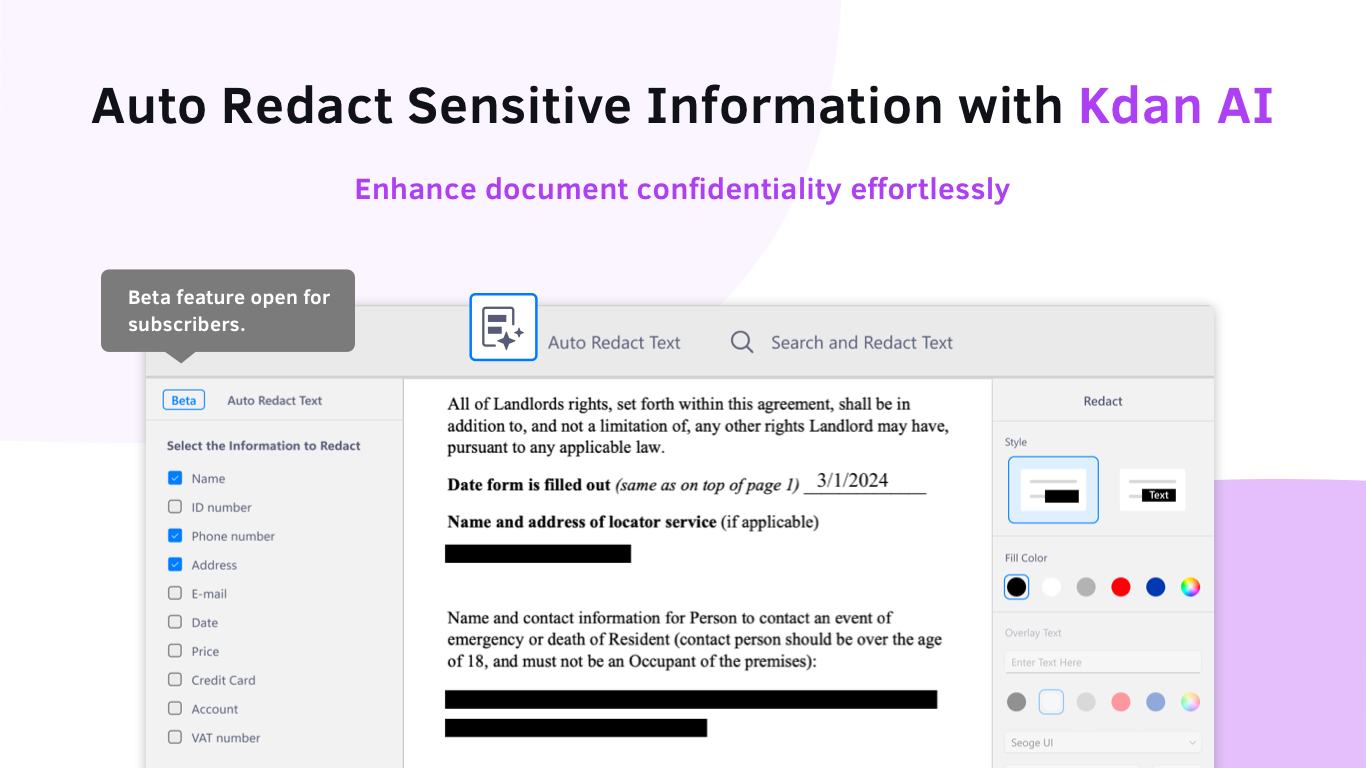
KDAN PDF Reader offers AI features like AI Chatbot for intuitive document interaction and AI Redaction for enhanced security to streamline document management and provide quick access to information.

Kdan Mobile graphic introducing Document Analysis Chatbots.

Kdan Mobile announces the latest update to their PDF Reader introducing the document Analyst Chatbots that enable users to review and explore content, increasing creativity and possibilities.

Photo of the tops of files with one marked Classified

KDAN provides a step-by-step approach to demystify the process of editing secured PDFs.

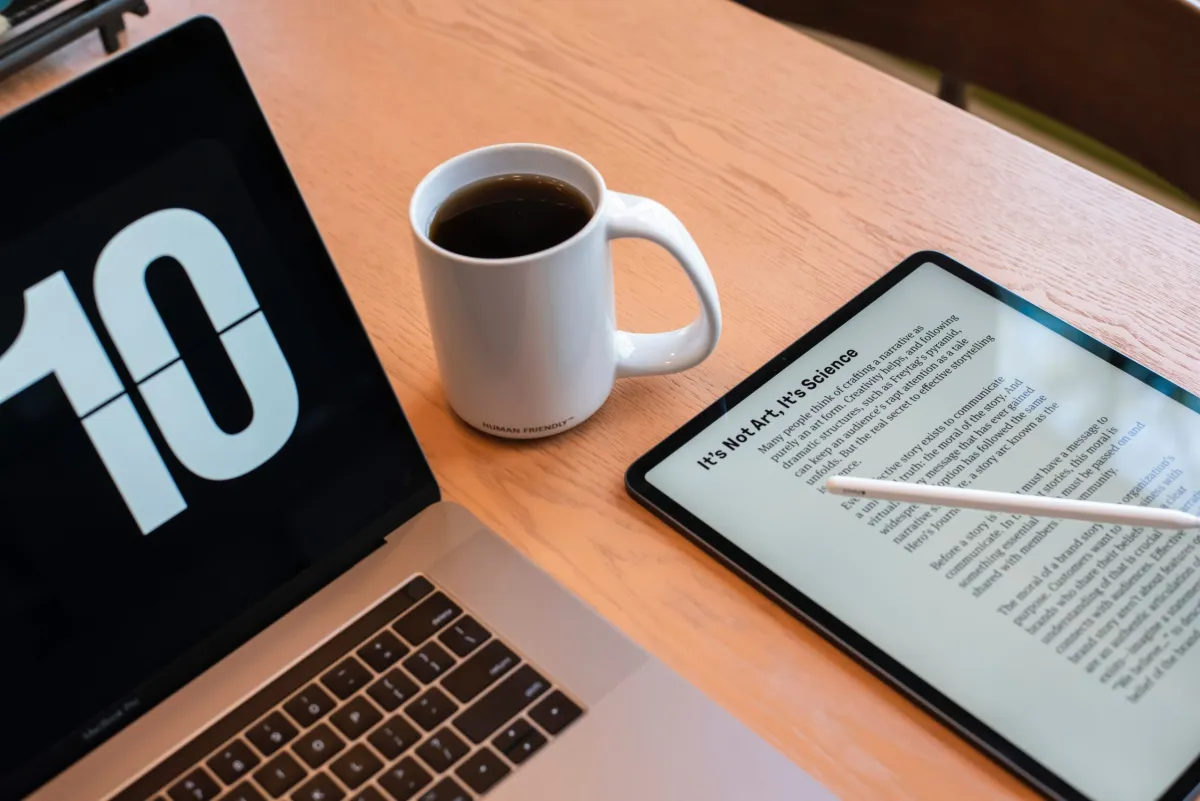
Laptop, cup of coffee and a tablet all on a table

Safeguarding confidential data has become essential. Understanding the different methods for redacting information from these documents is a critical tool in achieving that goal.

Watermark PDFs with sample watermark on a document

As business transactions increase, adding watermarks to PDFs for branding, security and copyright safeguarding is important.

Translate PDF graphic showing document translation

PDF files come in many languages, Kdan Mobile’s PDF Reader for Windows tranforms how you work with PDF documents.

Person's hand on the laptop keyboard and their other hand writing on a paper to the side of the laptop

Learn how to annotate a PDF using various tools and techniques to add notes, highlights and comments to your PDF document.

WordPress Cookie Notice by Real Cookie Banner